A few useful starting points. We shape each one around your business.
Explore all 52 ideas+
Looking for something specific? Narrow the collection below.
Showing 12 of 52 ideas
Serve clients
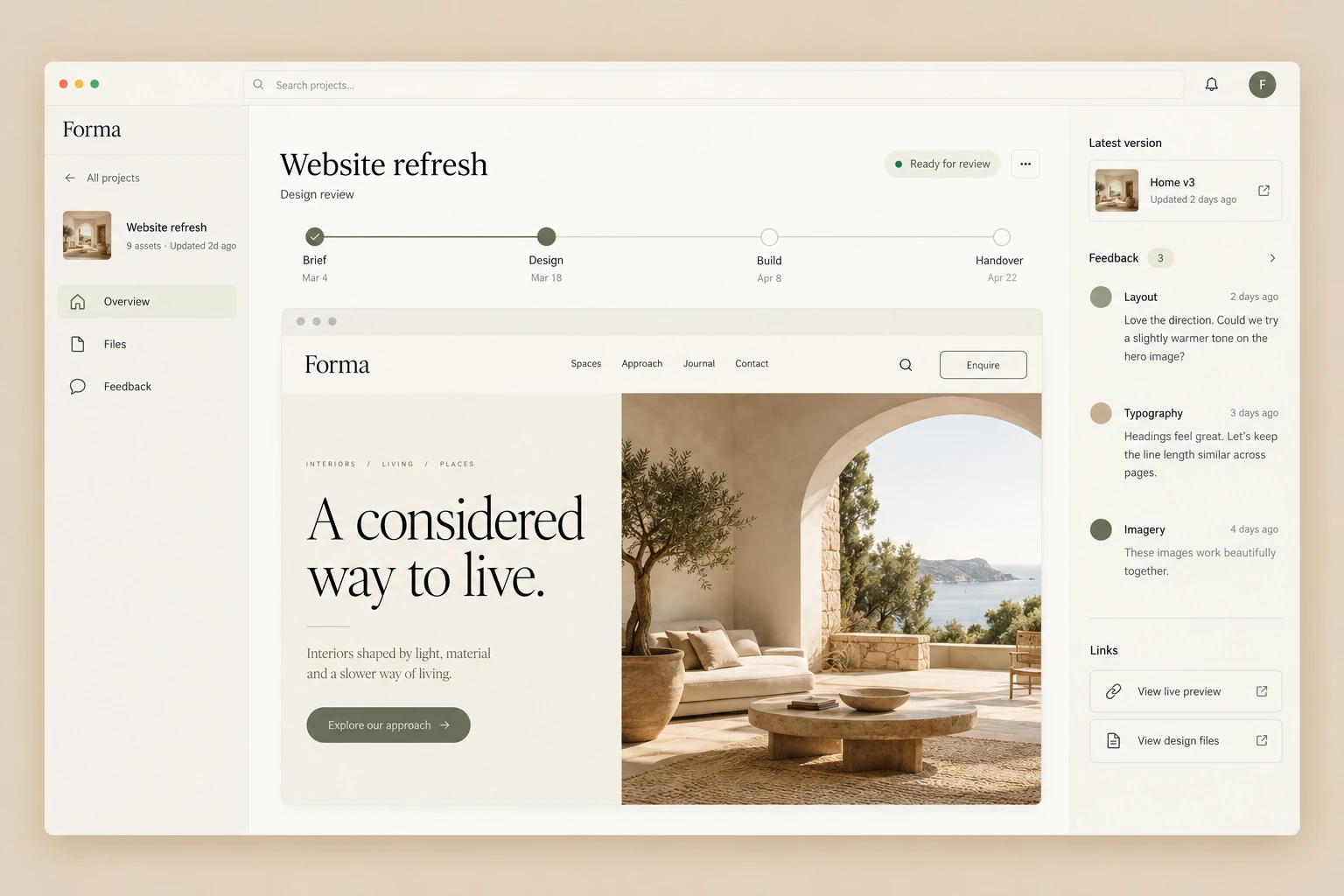
Client portal
App / portal
Keep project files, feedback and next steps together, so clients know where to go and what’s needed.
•••Workflow / Reconnect with past customersExample
Reconnect with past customersConnected tools
HubSpot, Pipedrive or Salesforce
Read the historyStarts here
AI assistant
Prepare a relevant messageConnected step
Gmail or Outlook
Review the resultConnected step
Example tool connectionsReview options agreed with you
Grow sales
Reconnect with past customers
Automation
Use their history to prepare a relevant message when there’s a useful reason to return.
Grow sales
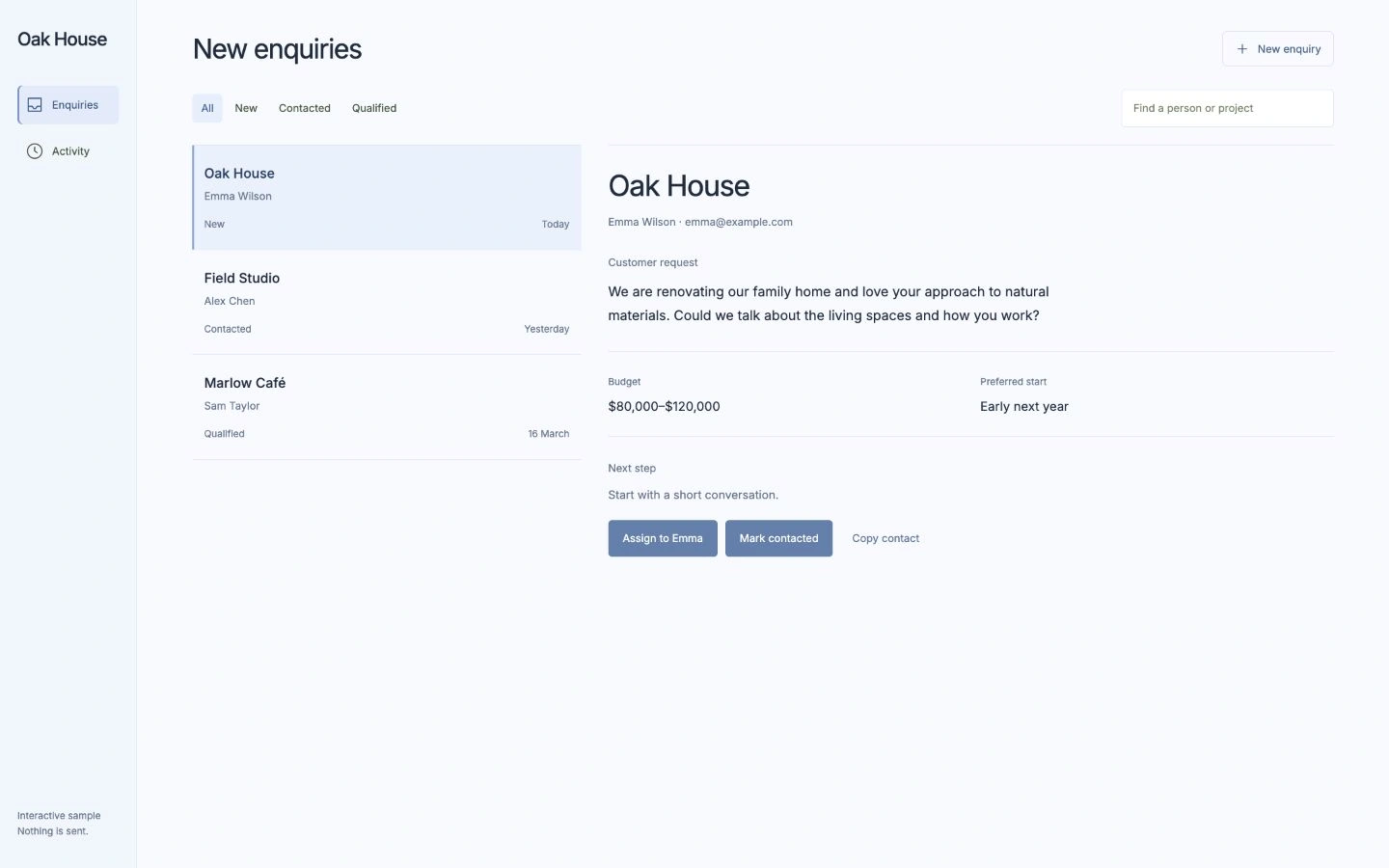
Track every enquiry
App / portal
Keep the conversation, owner and next step together, so promising work doesn’t get lost.
•••Workflow / Learn what customers keep askingExample
Learn what customers keep askingConnected tools
Zoom, Microsoft Teams, Google Drive or OneDrive
Compare authorised callsStarts here
AI assistant
Check the insightConnected step
Notion, Asana, ClickUp, monday.com or Trello
Review the resultConnected step
Example tool connectionsReview options agreed with you
Grow sales
Learn what customers keep asking
Automation
Find repeated questions and missed opportunities across calls, with examples your team can check.
•••Workflow / Reply to enquiries soonerExample
Reply to enquiries soonerConnected tools
Gmail or Outlook
New enquiryStarts here
AI assistant
Draft replyConnected step
Your team
Review & sendReview & approve
Example tool connectionsYour team reviews this
Save time
Reply to enquiries sooner
Automation
Prepare a specific reply from the enquiry and your business information, ready for you to check.
Save time
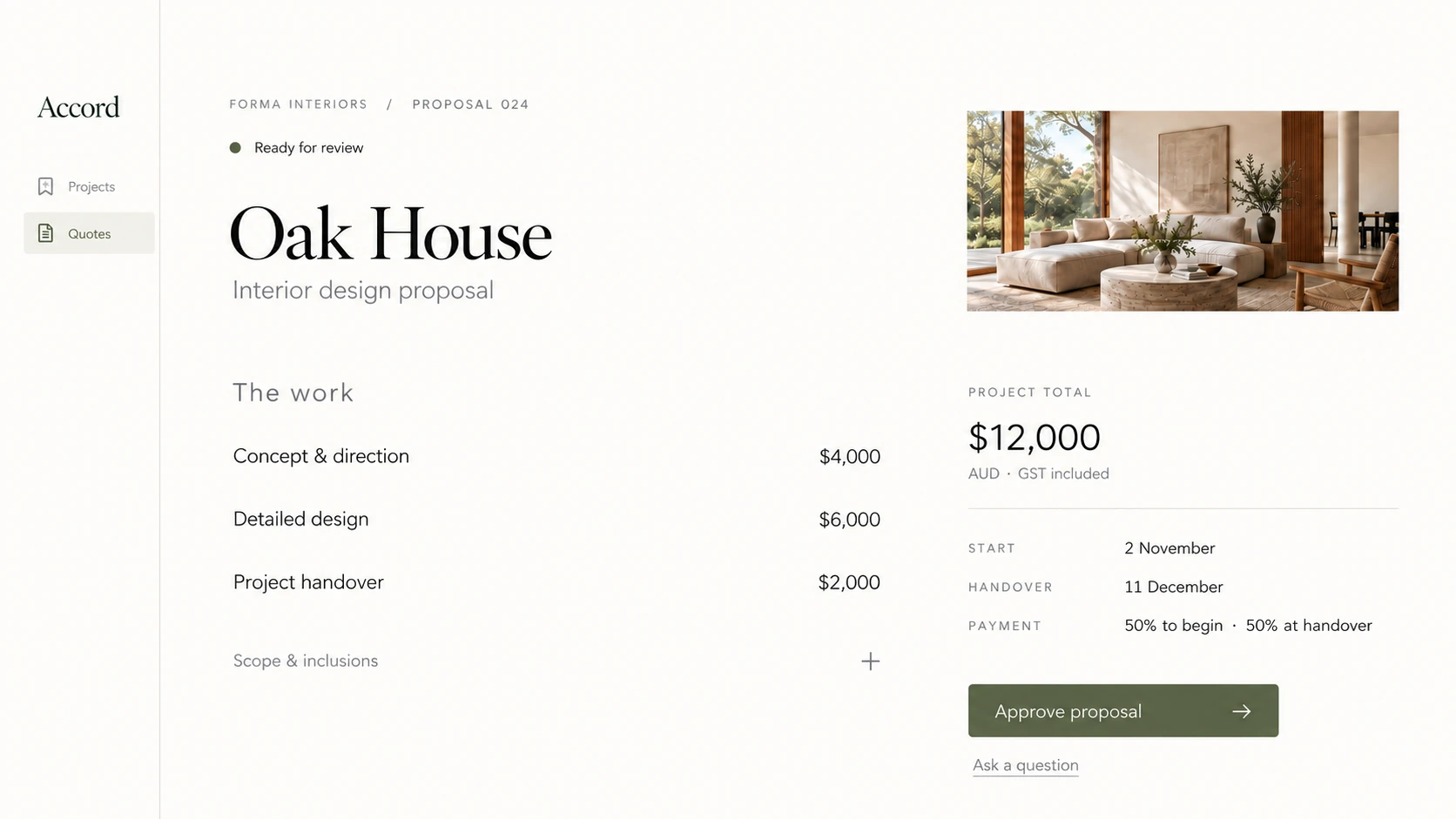
Build a clearer quote
App / portal
Bring scope and pricing into one client-ready quote, with less copying between documents.
•••Workflow / Get leads to the right personExample
Get leads to the right personConnected tools
HubSpot, Pipedrive or Salesforce
Lead arrivesStarts here
Agreed rules
Match the ownerConnected step
Slack or Microsoft Teams
Notify the teamConnected step
Example tool connectionsReview options agreed with you
Grow sales
Get leads to the right person
Automation
Send each enquiry to the right owner, with the context they need to take the next step.
Save time
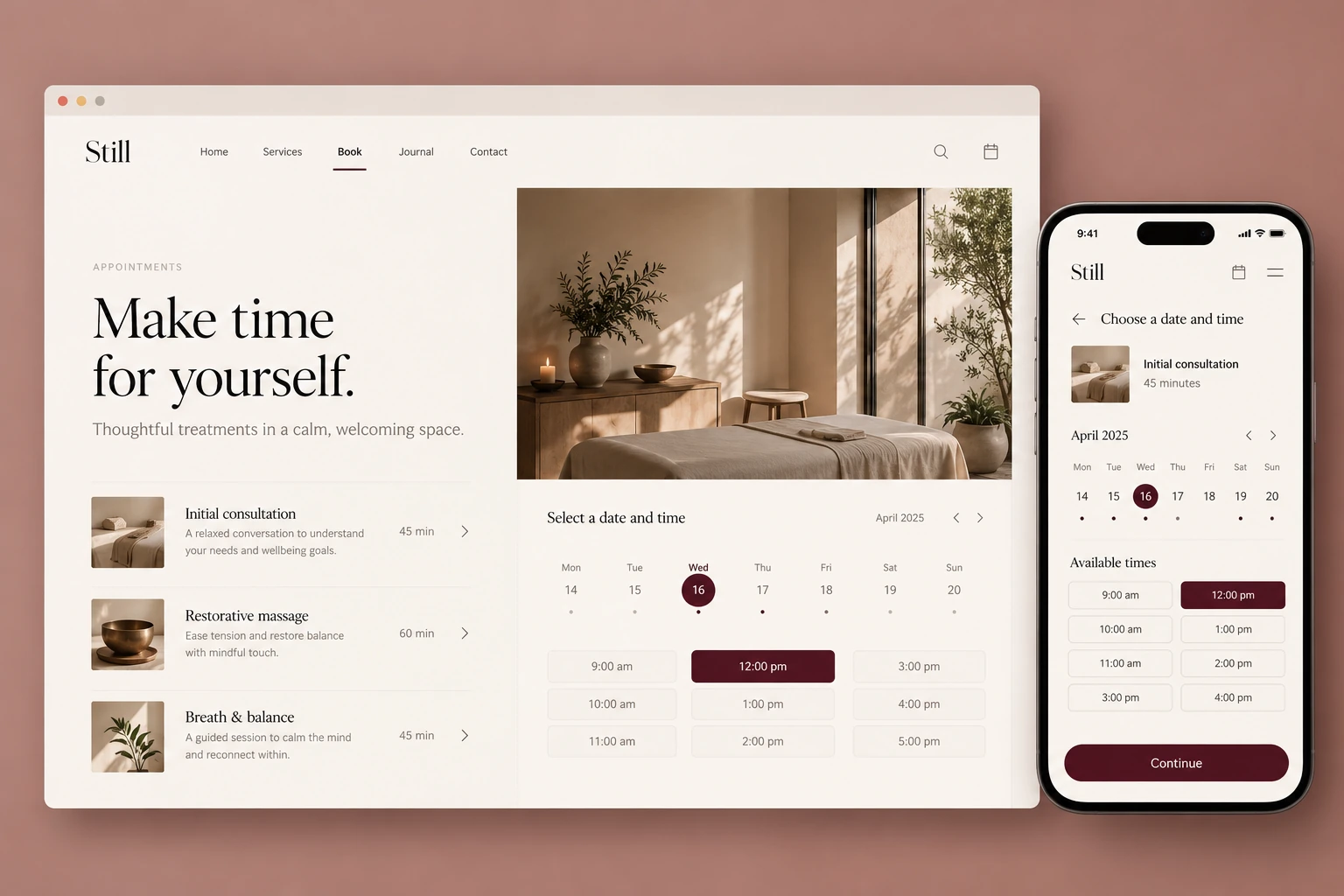
Bookings without the back-and-forth
App / portal
Let customers choose an available time, without another round of emails.
Serve clients
Customer assistant
AI agent
Answer questions, guide enquiries and bring in your team when a person is needed.
See the numbers
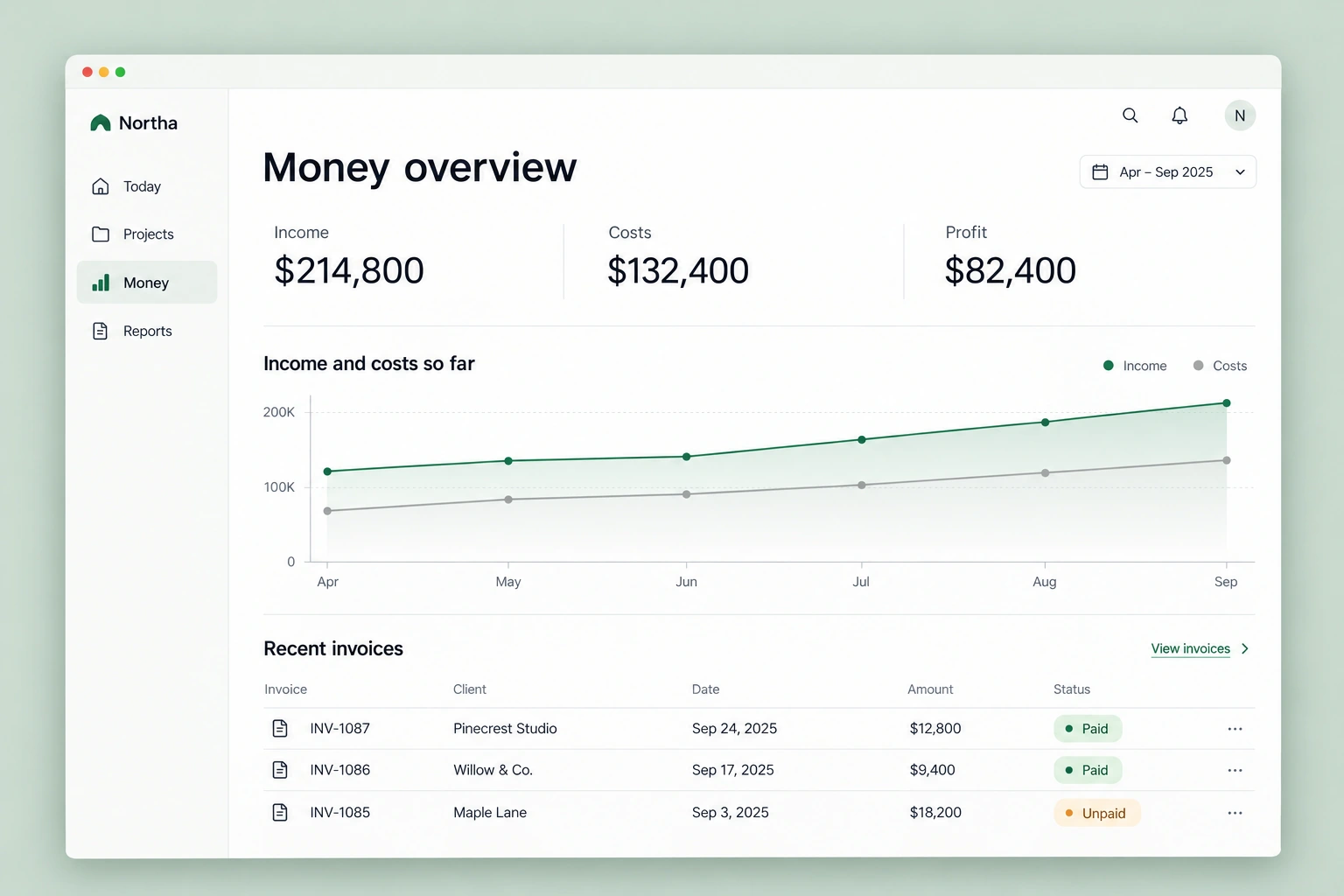
Money at a glance
App / portal
See income, costs and what’s left in one view, without jumping between spreadsheets.
•••Workflow / Follow up unpaid invoicesExample
Follow up unpaid invoicesConnected tools
Xero, QuickBooks or Stripe
Unpaid invoiceStarts here
Agreed rules
Check detailsConnected step
Gmail or Outlook
Send reminderConnected step
Example tool connectionsReview options agreed with you
Save time
Follow up unpaid invoices
Automation
See which unpaid invoices need attention, with a relevant follow-up ready to check.
Save time
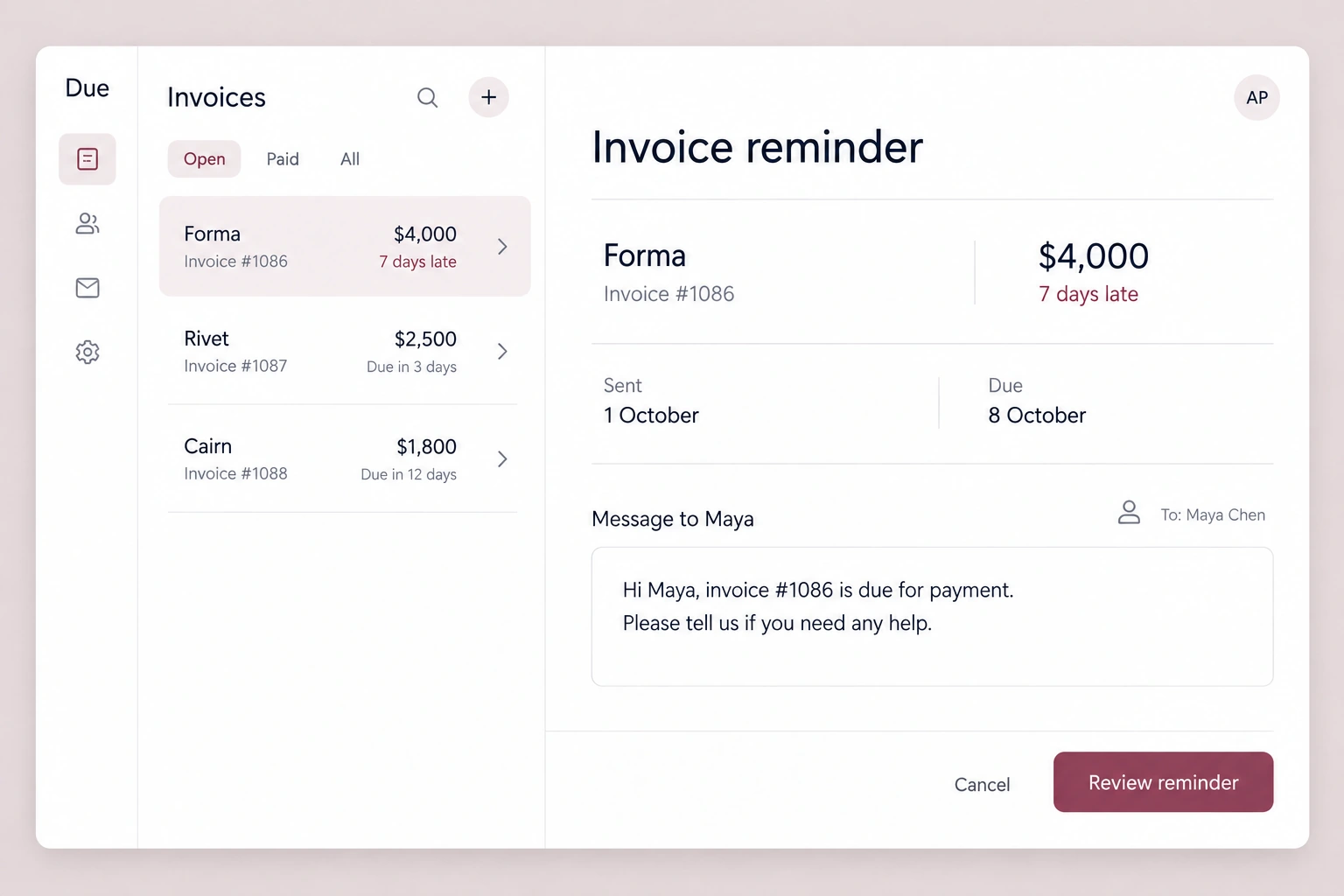
See who still owes you
App / portal
Keep overdue invoices in one view, with the details you need to prepare a reminder.
No ideas match those choices yet.
Try a wider choice. We can also design something new for you.
Before we begin
A few practical questions.
What if I’m not sure what I need?
Bring a real example of the work and the tools you use. We can work out whether an existing product, an automation or a small custom build is the useful first step. You do not need a finished brief.
Do we need AI in the project?
Only where it helps. Clear rules and ordinary software often do the job more simply. AI is useful when interpretation, generation or choosing between actions adds value we can test.
Do you use AI to build the software?
Yes. My expertise is in design and customer experience, and I use AI coding tools extensively to bring that work to life.
We agree the technical requirements upfront, including security, privacy, logins and hosting, then check the software through testing and review.
We can work with your IT team to agree the security requirements and refine the implementation to meet them. For larger or more complex projects, a security specialist can be included in the agreed scope.
How much will it cost?
It depends on the scope, integrations, design, testing and support needed. We agree the work and price before building. Hosting, software subscriptions and model usage are considered separately where relevant.
Can you work with our existing tools?
Often, if they offer suitable integrations, APIs or exports. We check access, permissions and data quality before promising a connection. Replacing a tool is a separate decision.
How do you approach security and our data?
We agree a security checklist around your project: what data is needed, who can access it, how credentials are protected, and which tools or AI providers receive it. The review can also cover dependencies, testing, backups and recovery. For AI agents, we define permitted actions, approval points and human handover. Automated checks can help flag issues; they support human review rather than replace it.
Who will I work with?
You work directly with Sean, from the first conversation through design, building and launch.
What happens after launch?
We agree the handover, ongoing costs and any support or maintenance before building. Your team should know how to use the tool, what to do when something fails and how future changes will be handled.
A little space for your next idea
Come in. Let’s make something useful.
Bring the idea, the everyday frustration, or just a question. We’ll find a good place to start.